
Is my Google Business Profile working? How to tell
Calls up, directions down, website flat: what does it mean? How to set a baseline and read the profile, Search Console, and Analytics without being misled.

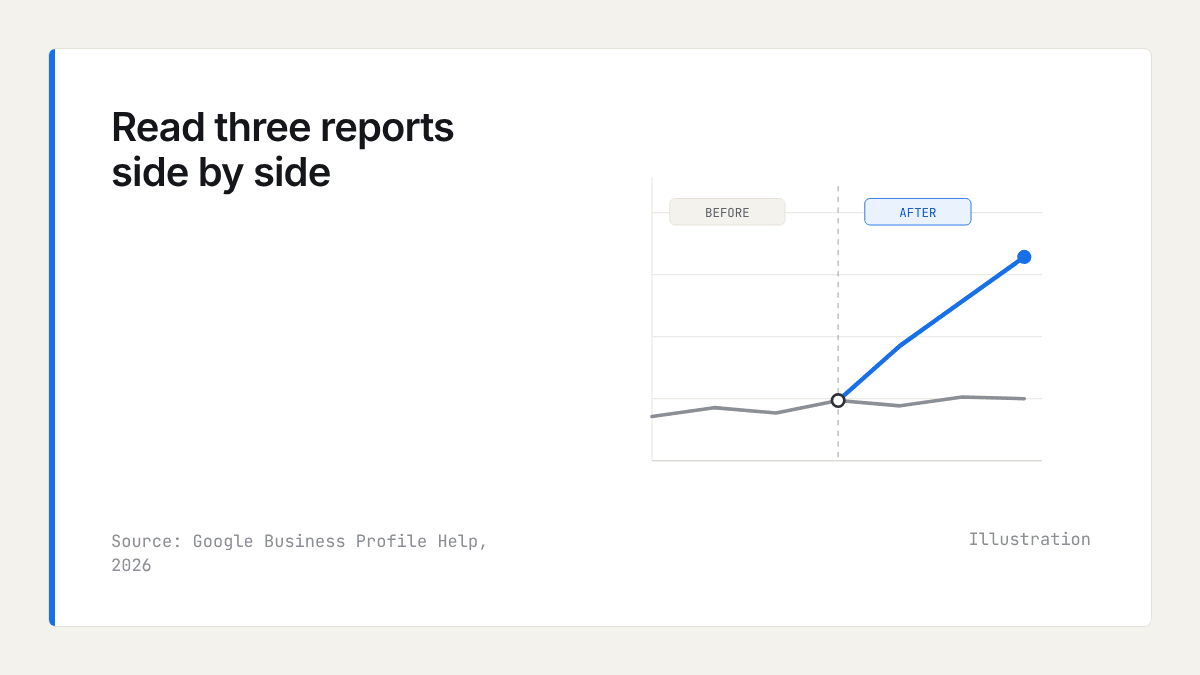
Is my Google Business Profile working? The honest test is whether enquiries that come from Google rise against a baseline you recorded before you changed anything, not whether one number in the dashboard went up. Read three sources side by side: the profile's performance report, Search Console's searches for your service rather than your name, and a monthly log of enquiries by source.
Website traffic is the wrong first measure. Many customers call, ask for directions, or turn up after reading your profile without ever visiting your site, which is why tagged website clicks undercount. BrightLocal's guide to UTM tagging a Business Profile explains how tags separate profile clicks from your other traffic. This guide shows how to read each report, where Google's own counting can mislead you, and a 20-minute monthly routine.
Set a baseline before you change anything
A baseline is the set of figures you record before a change, so that later you can tell whether the change, the season, or Google's counting moved them. Without one, every rise looks like success and every fall like failure.
- Compare the same months year on year, not this month with last month. A garden centre's spring and a heating engineer's winter are seasons, not trends.
- Pick a control query: a search the change should not affect. If you add a new service to your profile, searches for your business name make a reasonable control. If they rise as much as the service searches, something wider is at work.
- Write down the date and detail of every change in one place: a new primary category, new photos, edited hours, a new website page, a push for reviews.
- Change one thing at a time where you can, and give each change at least a full month before you judge it.
What do the numbers in the performance report mean?
The performance report shows how people found your profile and what they did next. Search for your business name on Google while signed in to the account that manages the profile, then choose Performance. Google's help page on Business Profile performance defines each metric.
- Profile views: how many people saw your profile, split between Google Search and Maps, and between mobile and desktop.
- Searches: the search terms that showed your profile, covered in the next section.
- Interactions: what people did from the profile, such as calls, bookings, direction requests, and website clicks, depending on what your profile offers.
Weight the interactions more heavily than the views. A view is someone seeing your name; a call or a direction request is someone deciding to come to you.
Why have my direction requests dropped?
Google filters repeated taps and cancelled requests out of the direction requests figure, so it can read lower than under the old count while real demand holds. Marketing press dates the direction requests change to February 2023, and Google told owners to expect fewer direction requests from January 2024. That matters for a year-on-year comparison that crosses the change. It does not explain a sudden drop this year: for that, see what to check if you dropped out of the map pack.
How do I see what people searched to find me?
In the performance report, the Searches section lists the monthly search terms that showed your profile on Search and Maps. It is the closest you will get to hearing customers describe what they wanted before they found you.
For low-volume terms, Google shows a threshold rather than a count, meaning the true figure is somewhere below the number shown. Google's Business Profile Performance API reference describes this and does not publish the threshold. Treat small terms as a list of topics, not as numbers to add up.
Sort the list into three groups: your name, your service on its own ("boiler repair"), and your service with a place ("boiler repair Harrogate"). A profile that is working gains in the second and third groups over time. If nearly every term is your name, people who already know you are finding you, and strangers are not.
Searches for your name and searches for your service
The same split matters for your website. In November 2025 Google added a branded queries filter to Search Console that sorts queries into branded and non-branded automatically. Google says the sorting uses AI, can make mistakes, and has no effect on ranking, so scan the branded list for misfiled service terms before you trust the totals. It only appears for top-level properties with enough queries and impressions, so a small site may not have it: if yours does not, use the query filter in the Performance report to exclude your business name.
Growth in non-branded clicks and impressions is the sign of being found by new customers. Growth in branded searches usually reflects things outside search: word of mouth, a van on the road, a mention in the local paper.
Clicks from AI Overviews and AI Mode
Google says clicks from AI Overviews and AI Mode are counted in Search Console's Performance report under Web, mixed in with ordinary results. In June 2026 Google announced a generative AI performance report in Search Console, a dedicated view of performance in AI Overviews and AI Mode, rolling out to a subset of sites, so you may not have it yet. For how those features choose sources, see how to show up in Google AI Overviews. Assistants such as ChatGPT need a hand check, covered in how to check if ChatGPT recommends your business.
How to tag the website link on your profile
UTM parameters are short tags added to a link that tell Google Analytics where a visit came from. Tagging your profile's website link lets Analytics report profile clicks apart from the rest of your Google traffic.
- Take the address your profile links to and add tags, for example
https://www.example.co.uk/?utm_source=google&utm_medium=organic&utm_campaign=gbp-listing. - In your profile, open Edit profile, then Contact, and replace the website address with the tagged one. Do the same for any appointment link.
- Open the tagged link yourself to check the page loads and the tags survive any redirect.
- In Google Analytics 4, go to Reports, then Acquisition, then Traffic acquisition, and add Session campaign as a secondary dimension to find the gbp-listing visits.
Keep the medium as organic so the visits stay in your organic figures. And remember the limit: tags count clicks only, so everyone who rings or walks in after reading your profile is missing from them.
Log enquiries by source
An enquiry log is a monthly record of every call, form, and walk-in, each with the answer to one question: "How did you find us?" It catches what the reports miss, and it is the only measure here tied directly to income.
Keep it as a spreadsheet with five columns: date, channel (call, form, email, or walk-in), what they wanted, how they found you in their own words, and whether it became paid work. Ask everyone, and record "Google search" and "Google Maps" separately when the customer is sure. At the end of the month, set the Google count beside the profile's calls and direction requests, and your tagged website clicks. When all three move the same way, you can believe them.
Where reviews fit
Reviews are the change owners most often want to measure, and the one most often misread. Google's help page on review scores says the displayed score can take up to two weeks to update after a new review, so log the date you asked for reviews, not the date the score moved.
Read the review text beside your search terms list. Where customers praise a service in their own words and your profile does not list it, that service is a candidate for your profile and your website.
Your own figures cannot show where you stand against rivals. Our market reports give that baseline for a category and town: each business's review count, rating, and share of positive reviews, and the themes customers praise or complain about across the market, which you can set beside your enquiry log. They contain no traffic, ranking, or AI visibility data. For what reviews do for custom, the articles on our blog go further.
Is my Google Business Profile working? A 20-minute monthly routine
Once the baseline exists, answering "is my Google Business Profile working" takes about 20 minutes a month. On the same day each month, check:
- The performance report: calls, direction requests, website clicks, and bookings against the same month last year (5 minutes).
- The search terms: the share that describe your service rather than your name (3 minutes).
- Search Console: non-branded clicks and impressions, and your control query (4 minutes).
- Analytics: tagged profile visits (2 minutes).
- The enquiry log: Google-sourced enquiries and the work they became (3 minutes).
- Your nine-point rank grid from how to rank in surrounding towns, and your sheet of AI mentions (3 minutes).
If every figure collapses at once, start with why your business is not showing up on Google Maps. Once a quarter, step back and run a local competitor analysis of your whole market.
What to do this week
- List every change you made to your profile and website in the past three months, with dates.
- Record the performance report's figures for recent months and for the same months a year earlier.
- Choose a control query and write it at the top of a new spreadsheet.
- Tag your profile's website link and test it.
- Start the enquiry log, and ask every new enquiry how they found you.
Frequently asked questions
- What do the numbers in Google Business Profile performance mean?
Profile views count the people who saw your profile on Google Search or Maps. Searches list the terms that brought it up. Interactions count what people did from the profile, such as calls, bookings, direction requests, and website clicks. Interactions matter more than views, because each one is a customer acting.
- Why have my direction requests dropped?
Often because of how Google counts, not because fewer people came. Repeated taps and cancelled requests are no longer included, a change dated to 2023 and 2024, so compare the same months year on year with that in mind. A sudden fall in recent weeks points elsewhere: your listing, your hours, or your rivals.
- How do I see what people searched to find my business?
Open the performance report on your Business Profile and go to the Searches section, which lists the monthly search terms that showed your profile. Low-volume terms show a threshold rather than an exact count. Sort the terms into your name, your service, and your service with a place.
- How do I add UTM tracking to my Business Profile link?
Add utm_source, utm_medium, and utm_campaign tags to your website address, then put the tagged address in the website field of your profile's contact details. Test that the page loads, then find the visits in Google Analytics under Traffic acquisition by session campaign. Tags count clicks only, not calls or walk-ins.
- How do I track enquiries that come from my Google profile?
Keep a monthly log of every call, form, and walk-in, and ask each customer how they found you. Set the Google count beside the profile's calls and direction requests, and your tagged website clicks. When all three move the same way, the trend is real.

Rate My RatingsNewsletter
What reviews say about local markets, in your inbox.
New articles and findings from the blog, as they're published.
Check your inbox.
If this address isn't subscribed yet, we've sent it a link to confirm. Nothing is sent until you click it.
That didn't go through. Check the email address and try again.
Hold on a moment, then subscribe again.
Rate My RatingsNewsletter
What reviews say about local markets, in your inbox.
New articles and findings from the blog, as they're published.
Check your inbox.
If this address isn't subscribed yet, we've sent it a link to confirm. Nothing is sent until you click it.
That didn't go through. Check the email address and try again.
Hold on a moment, then subscribe again.