Is Bing Places for Business worth it in the UK?
Bing's share of UK desktop search jumped to about a fifth in October 2026, and it has almost none on mobile. What Microsoft actually says about Bing Places and Copilot, and who should bother.
Bing Places for Business is worth about an hour for most UK businesses, and rarely much more. Statcounter put Bing at about a fifth of UK desktop search in October 2026, up from about a tenth in August, but under 1% of mobile, so it matters most to firms people look up at a desk. Microsoft also says a Bing Places listing keeps your address, hours, and contact details eligible for its AI answers, including Copilot. The right amount of effort is to claim or check the listing, make it match your website and Google profile exactly, and then stop.
Who should bother with Bing Places for Business?
Every business with a fixed address or service area should claim the listing, because it is free and quick; how much more time it deserves depends on how your customers search. The table below sets Bing's UK share against the device your enquiries mostly come from. The suggestions are our view, not a rule.
| Most of your enquiries come from | Bing's UK share (Statcounter, October 2026) | Our suggestion |
|---|---|---|
| Desktop searches: solicitors, accountants, business suppliers | About 21%, up from about 10% in August | Claim, complete every field, recheck each quarter |
| Phone searches: "near me" trades, takeaways, emergency call-outs | Under 1% | Claim and match your details in an hour, then leave it |
| A mix of both | About 6.7% across all platforms | Claim, import or match, recheck when details change |
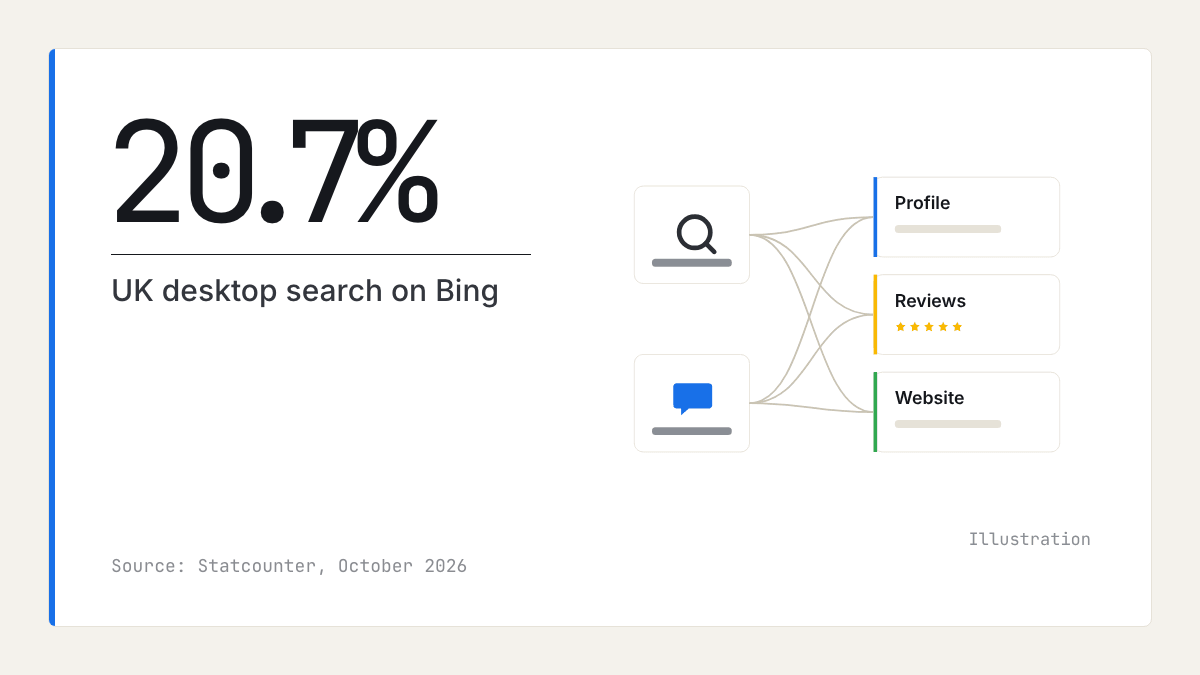
How many UK searches go through Bing?
About one UK desktop search in five on the latest figures, and almost no mobile ones. In October 2026, Statcounter's UK desktop search figures put Bing at 20.72% against Google's 73.23%. That is a sharp jump within two months: Bing had 10.37% in August and 18.44% in September. On mobile, Bing had 0.48% in October. Across all platforms it had 6.72% (Statcounter's all-platform UK page).
These are measurements of the traffic sites receive from each search engine, not a survey, and they move from month to month: from January to August 2026, Bing's desktop share stayed between about 10% and 14%. Statcounter's figures do not explain the jump, and we cannot say whether it will last. Read them as "between a tenth and a fifth of desktop", not as a fixed number.
The split matters more than the total. Microsoft's Edge browser comes set to Bing, and Microsoft's own help page explains how to change that. A client looking for an employment solicitor from a work laptop running Edge may use Bing without choosing to. Someone with a burst pipe searching on their phone is very unlikely to.
Does Copilot use Bing Places?
Microsoft says a Bing Places listing makes your details eligible for its AI answers, but it has not said how listings are used. The Bing Webmaster Blog post of 10 February 2026 says accurate business information matters when AI experiences answer location-based questions, and that registering with Bing Places keeps your address, hours, and contact details "eligible for inclusion in AI-generated responses".
Microsoft's rewritten Bing Webmaster Guidelines, as quoted by eSEOspace, say Bing and Copilot search experiences "rely on the same core crawling, indexing, and ranking foundation" as traditional search. Search Engine Journal reports that they define what Microsoft calls Generative Engine Optimization (GEO) as content eligibility for grounding and reference in AI responses: in plain English, whether an AI answer can draw on and cite your page.
What Microsoft has not published is how Bing Places listings feed Copilot's local answers. Licheo's setup guide notes that Microsoft has not published, in the pages it read, how listings appear inside Copilot answers, so treat any claim that Bing Places is Copilot's primary or only local source with caution. "Eligible" is the honest word. For ChatGPT, which has its own sources, see how to get recommended by ChatGPT as a local business.
Where did bingplaces.com go?
Microsoft relaunched Bing Places for Business on 3 October 2025 and moved it from bingplaces.com to bing.com/forbusiness, according to Search Engine World's report of the relaunch. Existing listings were migrated automatically, and a new Recommendation Tool suggests what to add to a listing. Deeper Copilot integration was listed as planned work, not something already delivered.
Microsoft's announcement of the new Bing Places also describes an improved import from Google Business Profile. If you set up a listing years ago, it should already be at the new address; sign in and check it came across intact.
How to set up Bing Places for Business, step by step
Setting up should take under an hour if your Google profile is already accurate. Work through these steps in order.
- Go to bing.com/forbusiness and sign in with a Microsoft account the business will keep, not one tied to a former employee or agency.
- Search for your business. If a listing exists, claim it; if you had one before October 2025, it should already be there.
- If you have a verified Google Business Profile, use the import. Then check every imported field by hand, because an import copies mistakes as faithfully as facts.
- Complete the verification step Bing offers you.
- Make your name, address, phone number, and hours match your website and Google profile exactly: the same trading name (with or without "Ltd"), the same postcode format, and the same phone number.
- Choose the closest categories, as you would on Google. Our guide to choosing Google Business Profile categories explains how.
- Work through the Recommendation Tool's suggestions, such as photos and your website link.
Keep the details matching, then stop
Matching details is upkeep, not a lever, so once Bing agrees with your website and Google profile, further hours bring little. In Whitespark's 2026 survey of local search experts, a match between your website and your profile ranks 15th among factors for Google's local pack, consistency on Google, Bing, and Apple Maps 28th, consistency on other sites such as Yelp 63rd, and the number of structured citations 110th. That is expert opinion about Google, not Google's or Microsoft's weights.
So match the few listings that matter (your website, Google, Bing, and Apple Maps, plus any directory your trade relies on), fix them when something changes, and do not pay for bulk listing services. The Apple side has its own guide: how to get your business on Apple Maps and Siri.
Where reviews fit
Microsoft has published nothing on how reviews feed Copilot's local answers, so treat any claim that they do in a particular way with caution. What is documented is that Copilot draws on the same crawling and index as Bing, and review sites are part of that web. Where your customers leave reviews, and what they say in them, is likely to be part of what an AI answer can find about you.
That makes reviews worth the same steady attention on Bing as anywhere else. Our blog covers collecting and replying to them. Our market reports show what reviews say across a whole local category: ratings, review counts, share of positive reviews, and the themes customers raise. They do not measure Bing or Copilot visibility.
How to check it worked
Search Bing on a desktop for your service and town ("accountant Harrogate"), and check your listing appears with the right details. Then ask Copilot the same question with the town in it, and note whether you are named and whether the details it gives are correct.
For your website, Bing Webmaster Tools' AI Performance report and Microsoft Clarity's grounding queries can show when AI answers cite your pages. Our guide on how to check if ChatGPT recommends your business explains how to use both.
What to do this week
- Sign in at bing.com/forbusiness and find or claim your listing.
- Import from your Google profile if you can, then check each field by hand.
- Match name, address, phone, and hours exactly to your website and Google profile.
- Choose your categories and work through the Recommendation Tool.
- Search Bing on a desktop for your service and town, and ask Copilot the same question.
- Put a quarterly reminder in your diary to recheck the listing, sooner if your hours or phone number change.
Frequently asked questions
- Is Bing Places worth it for a UK small business?
For most businesses it is worth about an hour, because the listing is free and Statcounter put Bing at about a fifth of UK desktop search in October 2026, up from about a tenth in August. It is worth more for firms people look up at a desk, such as solicitors, accountants, and business suppliers. Once your details match your website and Google profile, there is little more to gain from extra time.
- Does Copilot use Bing Places listings?
Microsoft says registering with Bing Places keeps your address, hours, and contact details eligible for inclusion in AI-generated responses, and that Bing and Copilot share the same core crawling, indexing, and ranking. It has not published how listings feed Copilot's local answers. Treat claims that Copilot relies only on Bing Places with caution.
- Where did bingplaces.com go?
Microsoft relaunched Bing Places for Business on 3 October 2025 and moved it to bing.com/forbusiness. Existing listings were migrated automatically, so you do not need to start again. Sign in at the new address and check that every detail came across correctly.
- Is Bing worth it if my customers search on their phones?
Less so. Statcounter put Bing at under 1% of UK mobile search in October 2026, so phone searches for a nearby trade go almost entirely through Google. Claim and match your Bing listing because it is free and keeps your details eligible for Microsoft's AI answers, then put your remaining time into your Google profile and reviews.
- Can I copy my Google Business Profile to Bing Places?
Yes. Microsoft's relaunched Bing Places includes an import from Google Business Profile, which brings across details such as your name, hours, and contact information. Check every field afterwards, because an import copies mistakes as well as facts. After that, update both listings whenever something changes.
- Do I need Bing Webmaster Tools as well as Bing Places?
They do different jobs. Bing Places holds your business listing, while Bing Webmaster Tools covers your website: whether Bing can crawl and index it, and an AI Performance report, in public preview since February 2026, that shows citations of your site in AI answers. If you have a website, set up both.

Rate My RatingsNewsletter
What reviews say about local markets, in your inbox.
New articles and findings from the blog, as they're published.
Check your inbox.
If this address isn't subscribed yet, we've sent it a link to confirm. Nothing is sent until you click it.
That didn't go through. Check the email address and try again.
Hold on a moment, then subscribe again.
Rate My RatingsNewsletter
What reviews say about local markets, in your inbox.
New articles and findings from the blog, as they're published.
Check your inbox.
If this address isn't subscribed yet, we've sent it a link to confirm. Nothing is sent until you click it.
That didn't go through. Check the email address and try again.
Hold on a moment, then subscribe again.